Change the scenery
Pick a new photo for any board, or use your own.
 Try the sample
Money, home, health, family, school, work and travel in one planner. Pay once. No account.
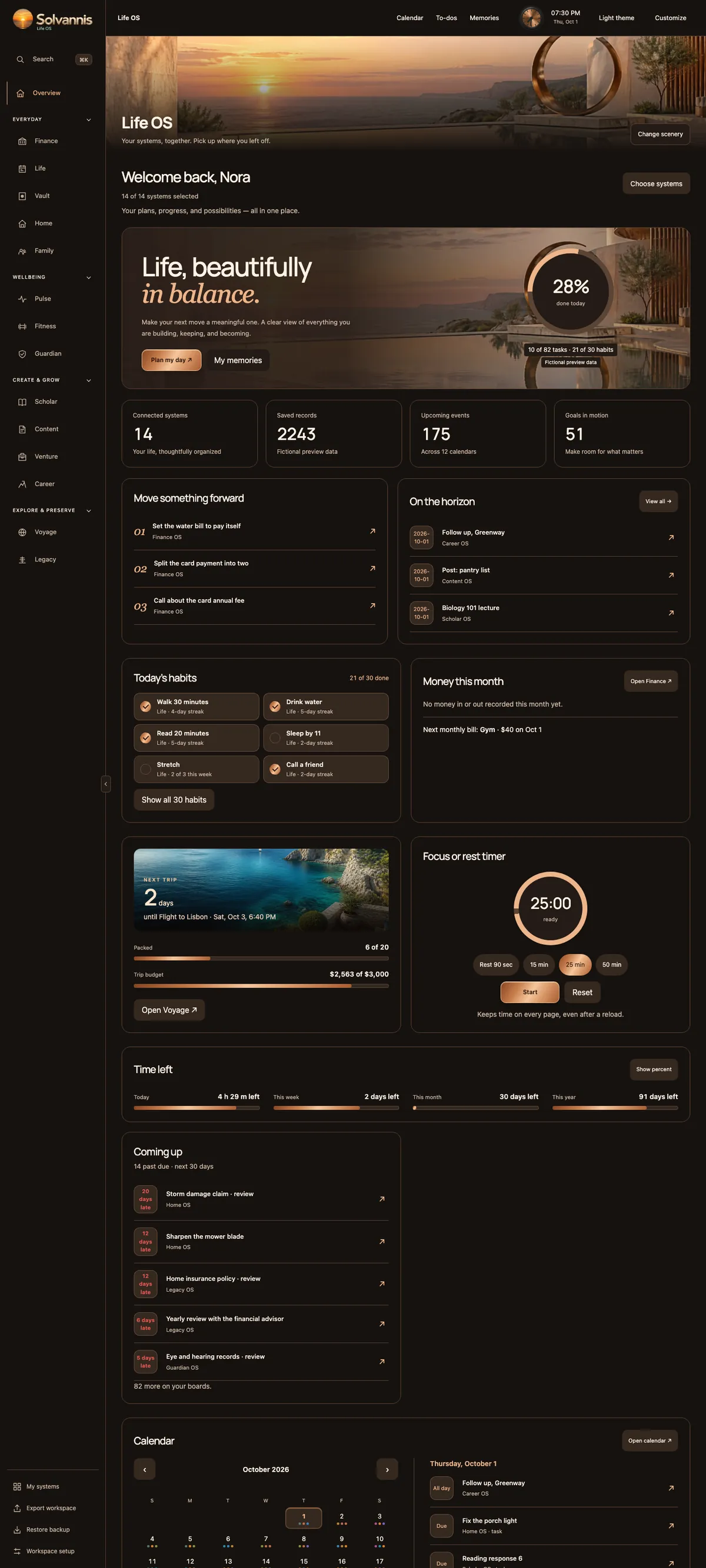

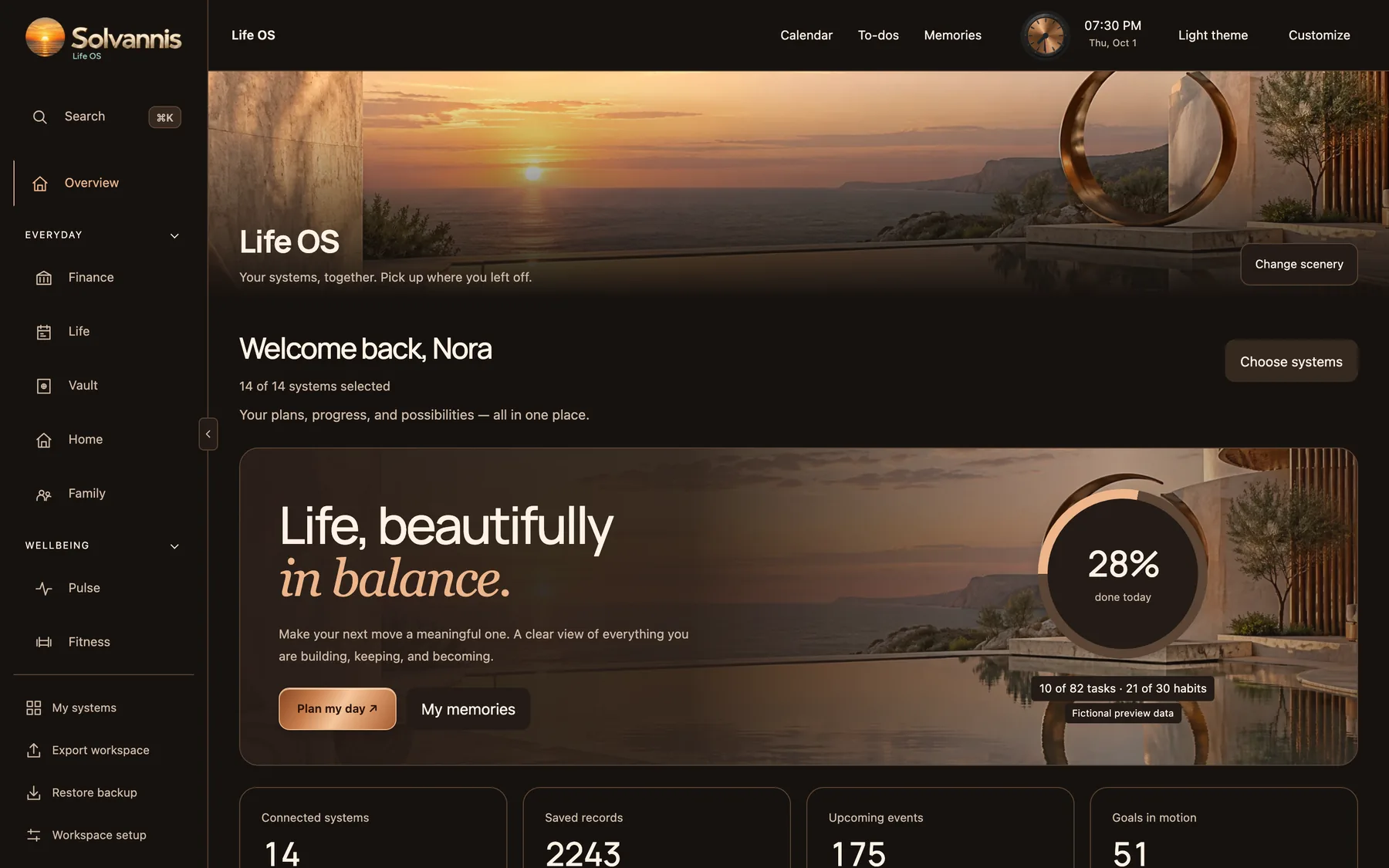
Open one page. Your tasks, habits and what is coming up, from every board. A clock, quick buttons and the next seven days, right there.
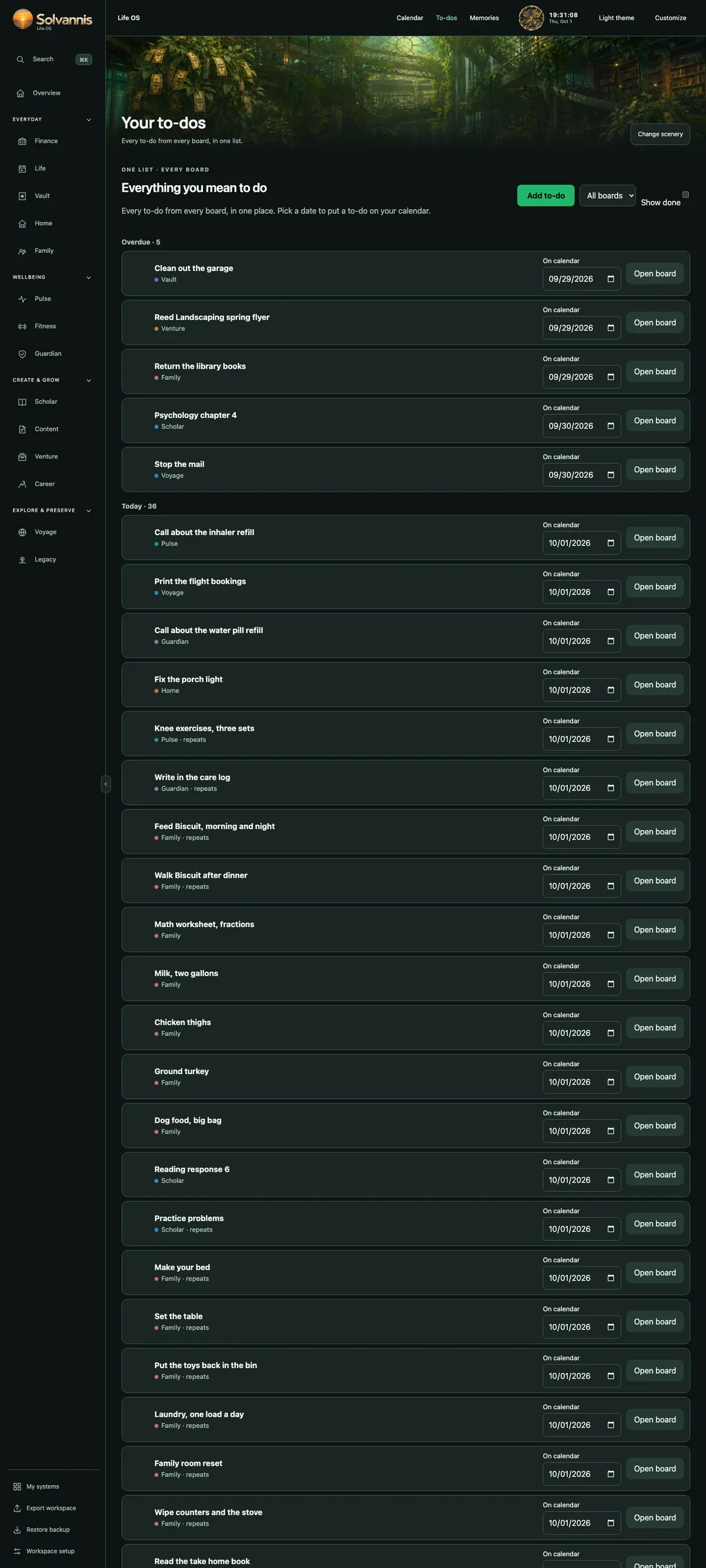
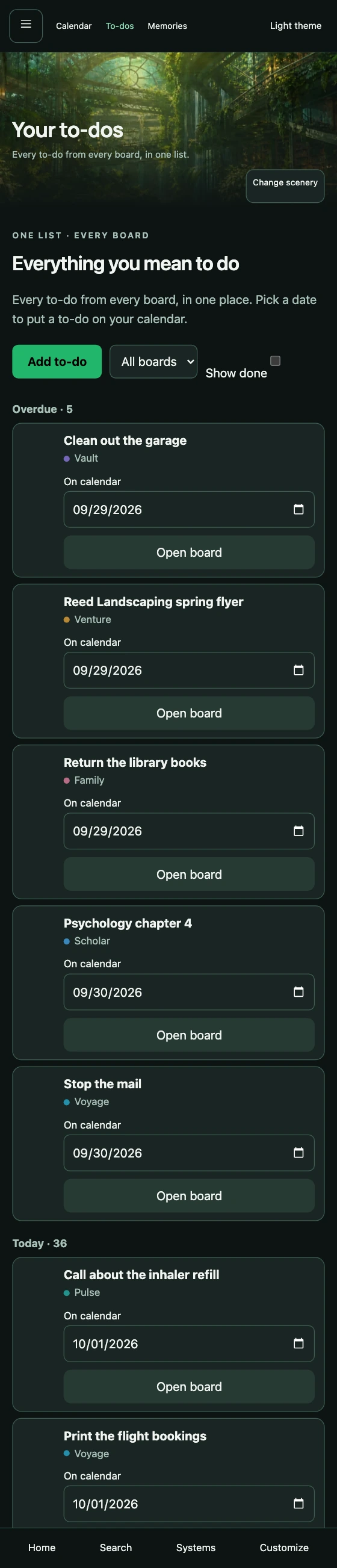
To-dos from your home, your family, your job search and your trips land in one list. Put a date on one and it shows up on your calendar.
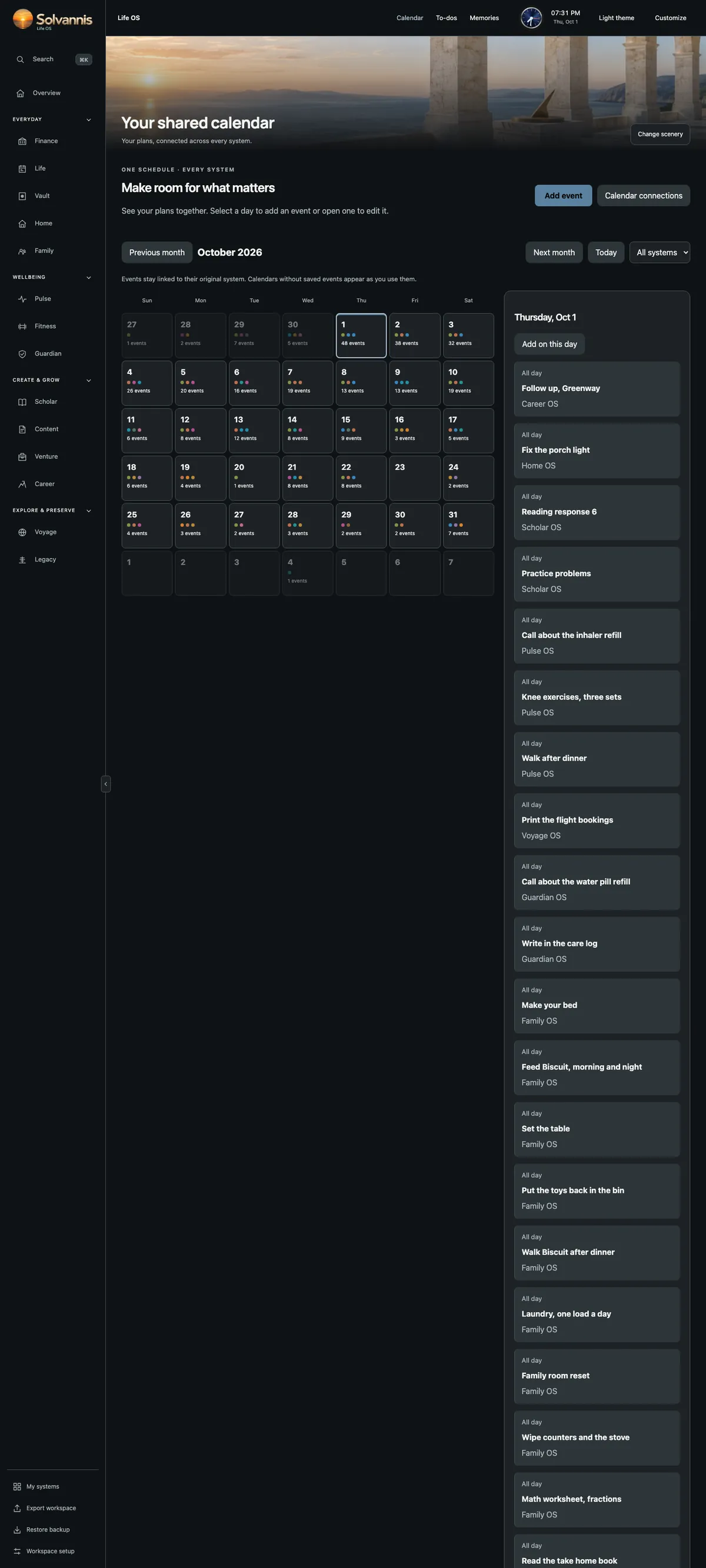
Bills, checkups, school deadlines, trips and birthdays. Each board keeps its own calendar, and you see them all together.
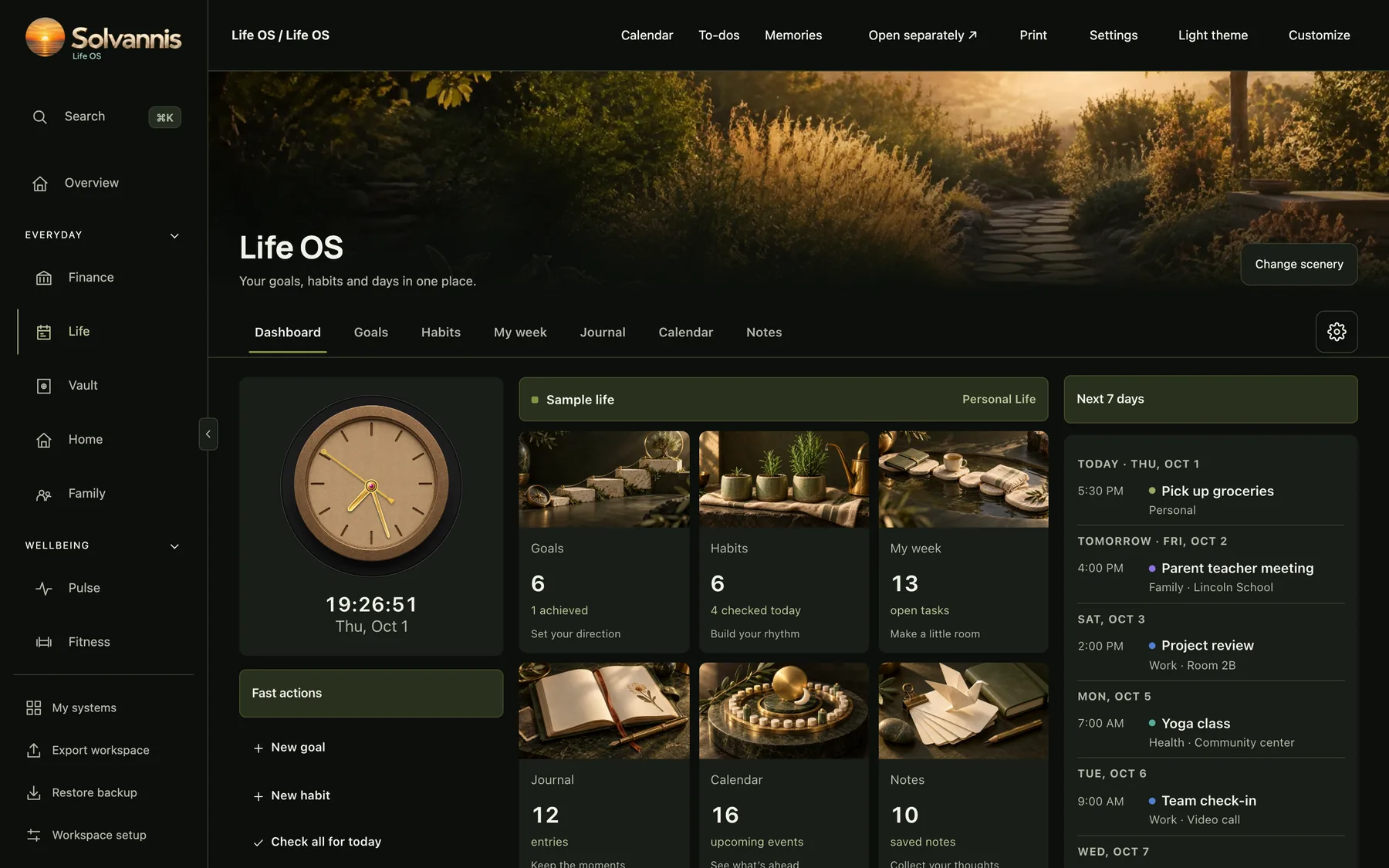
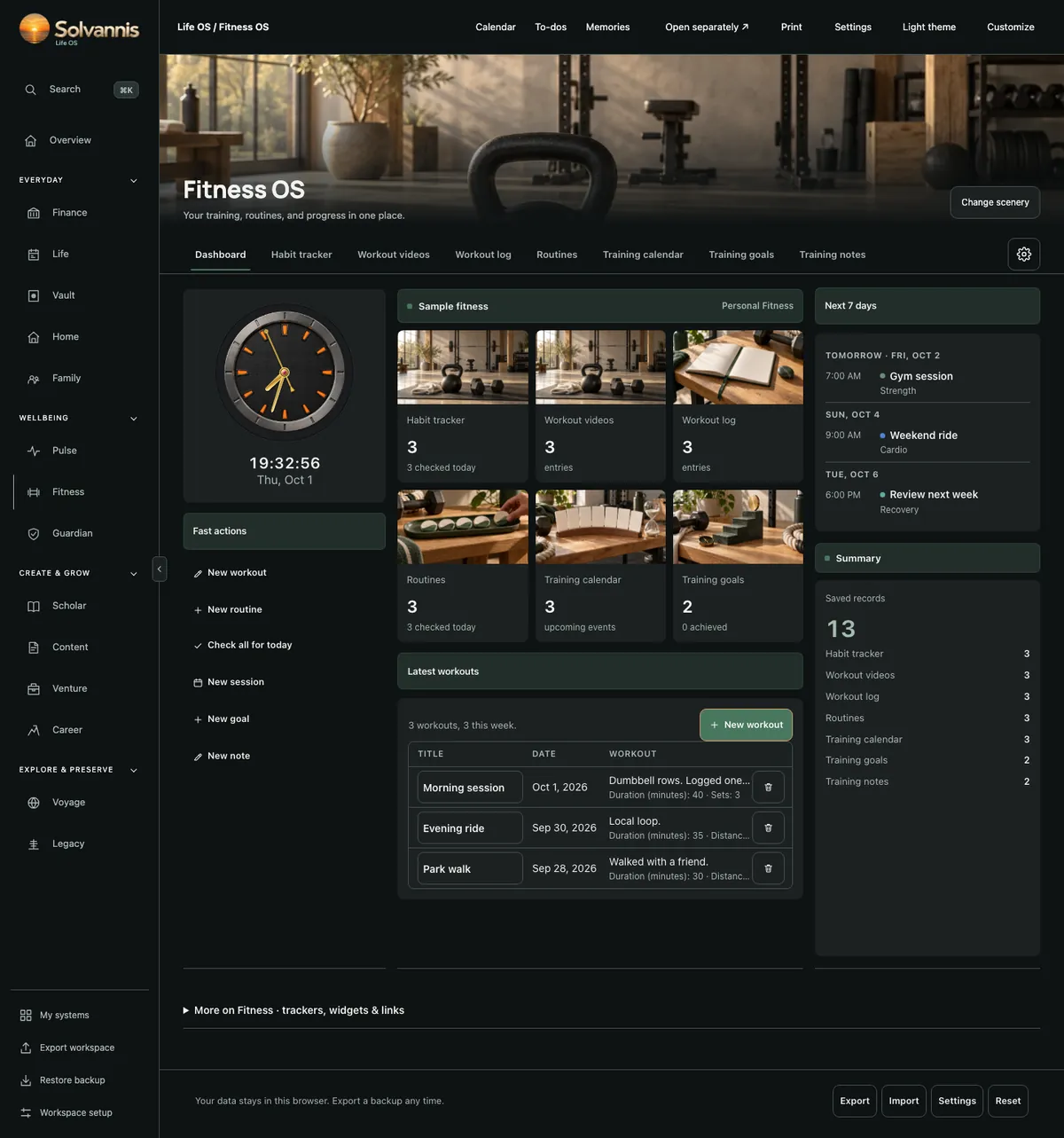
Log your workout, check off your habits and watch your streak grow. Small wins you can see.
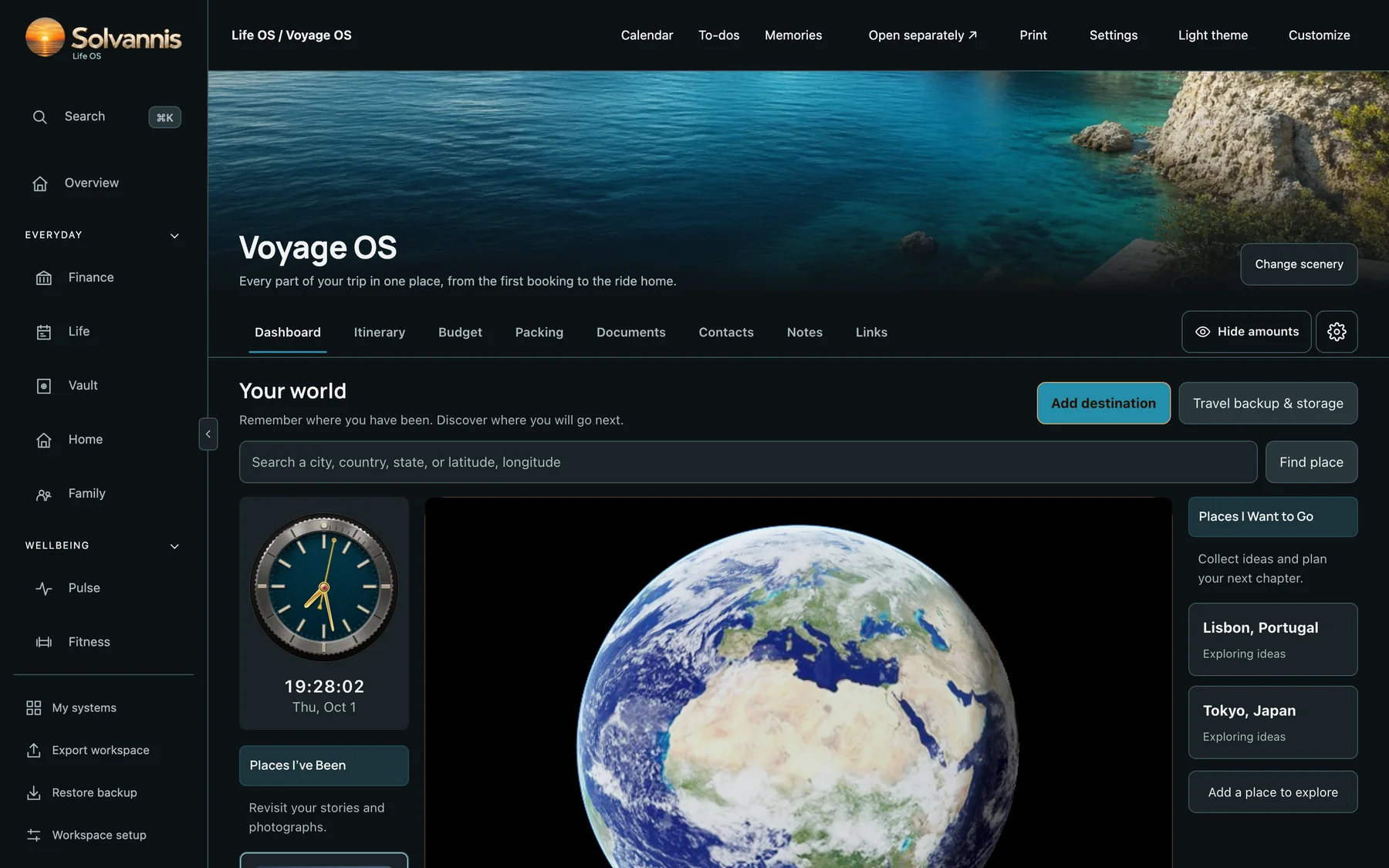
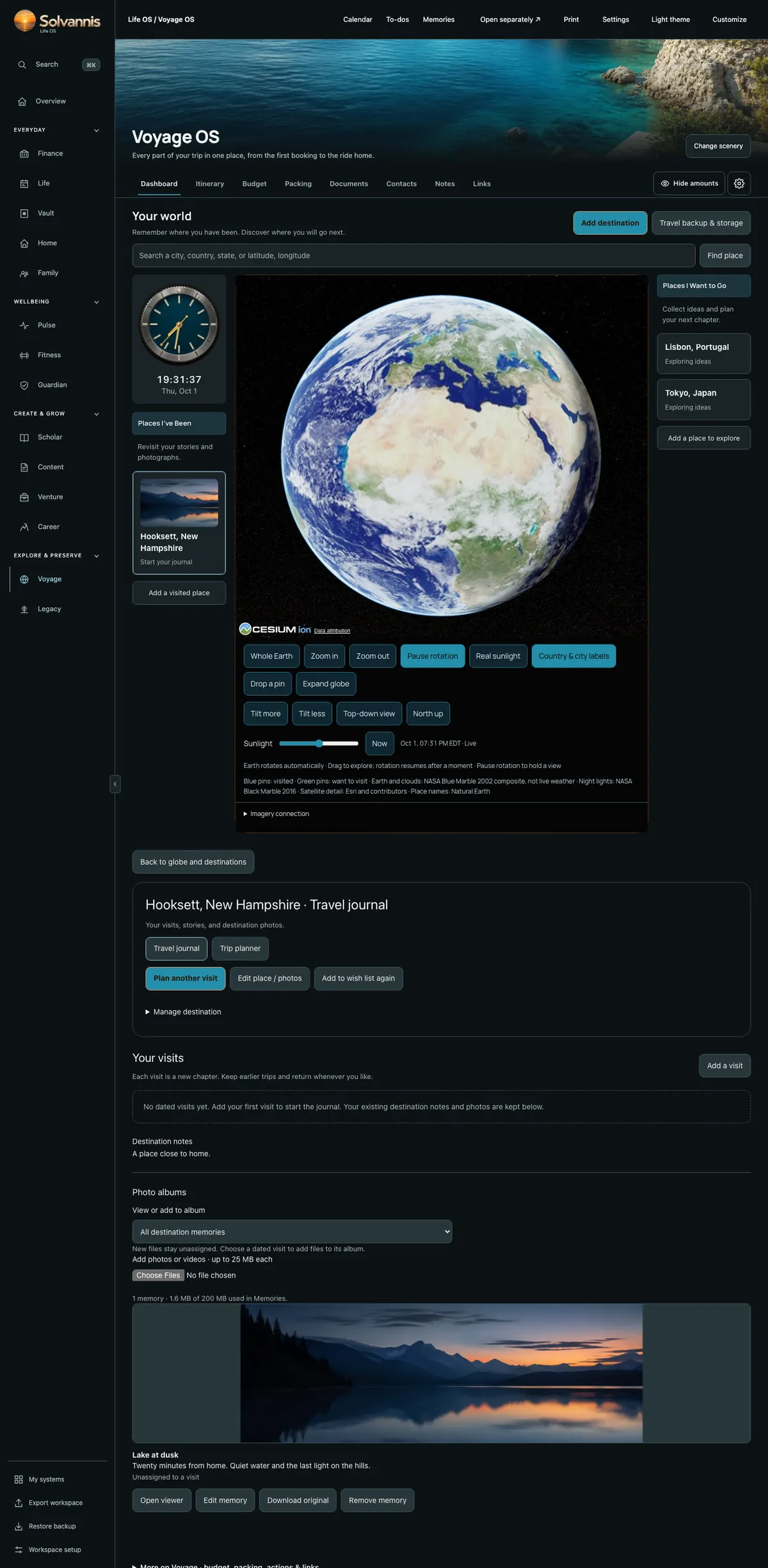
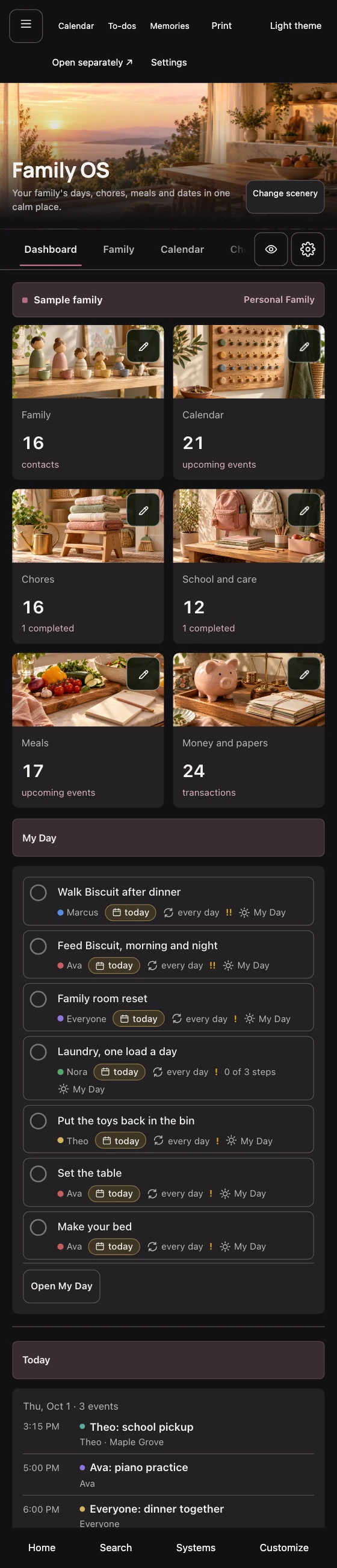
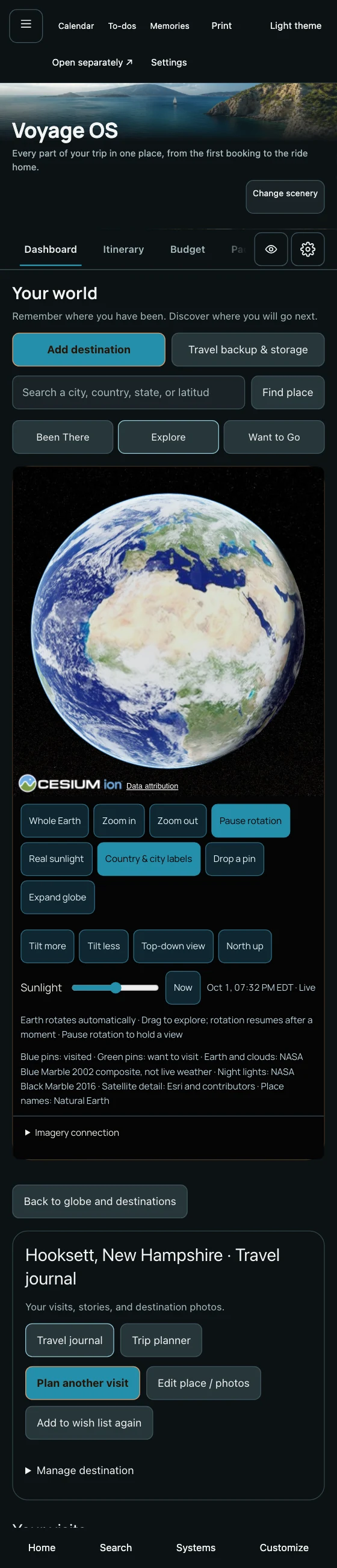
Spin and zoom the globe. Pin the places you have been and the places you want to go. Then build the full plan: days, budget, packing and papers.
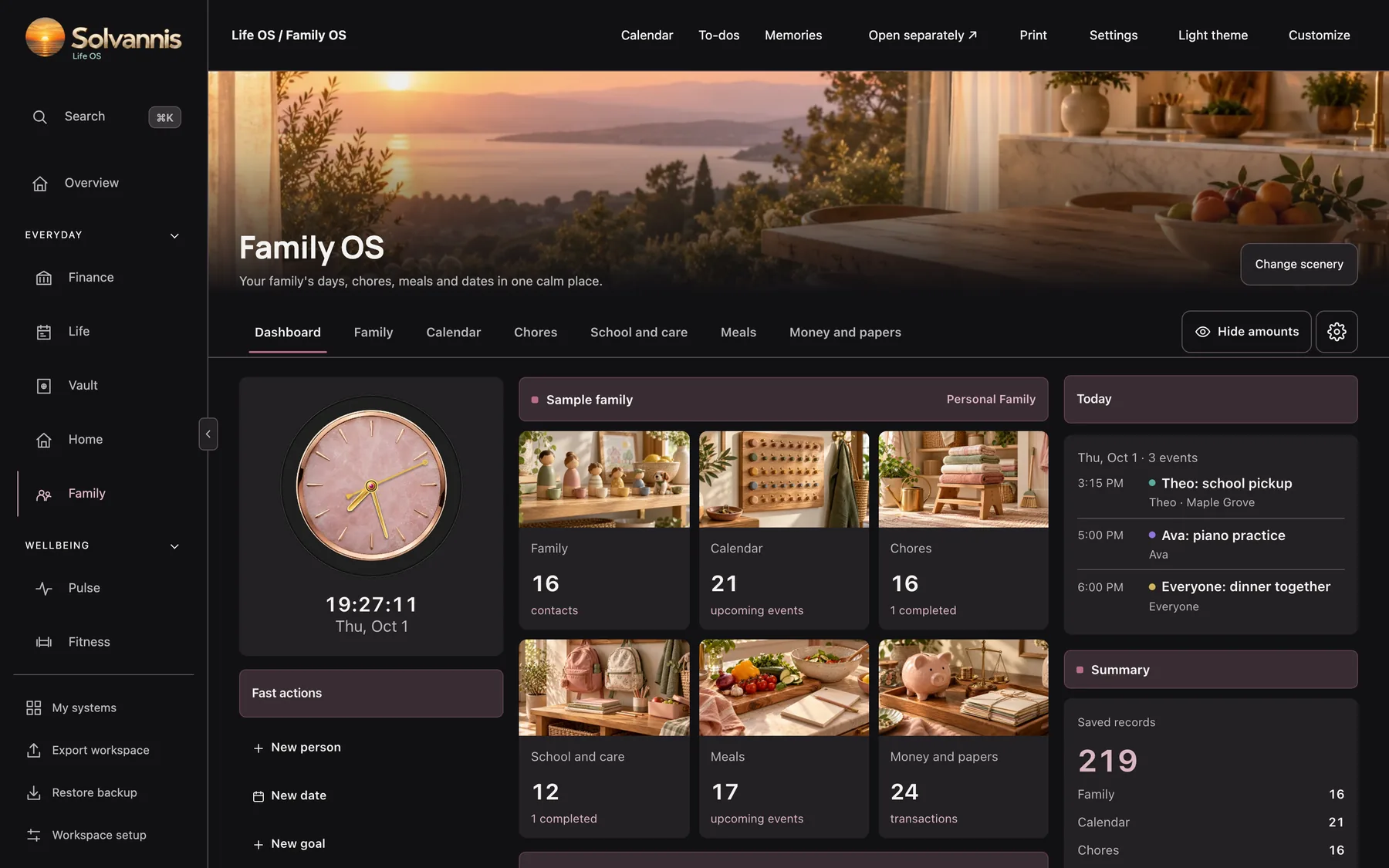
Chores, meals and dates for the whole family are set. Save a backup to your computer with one click.
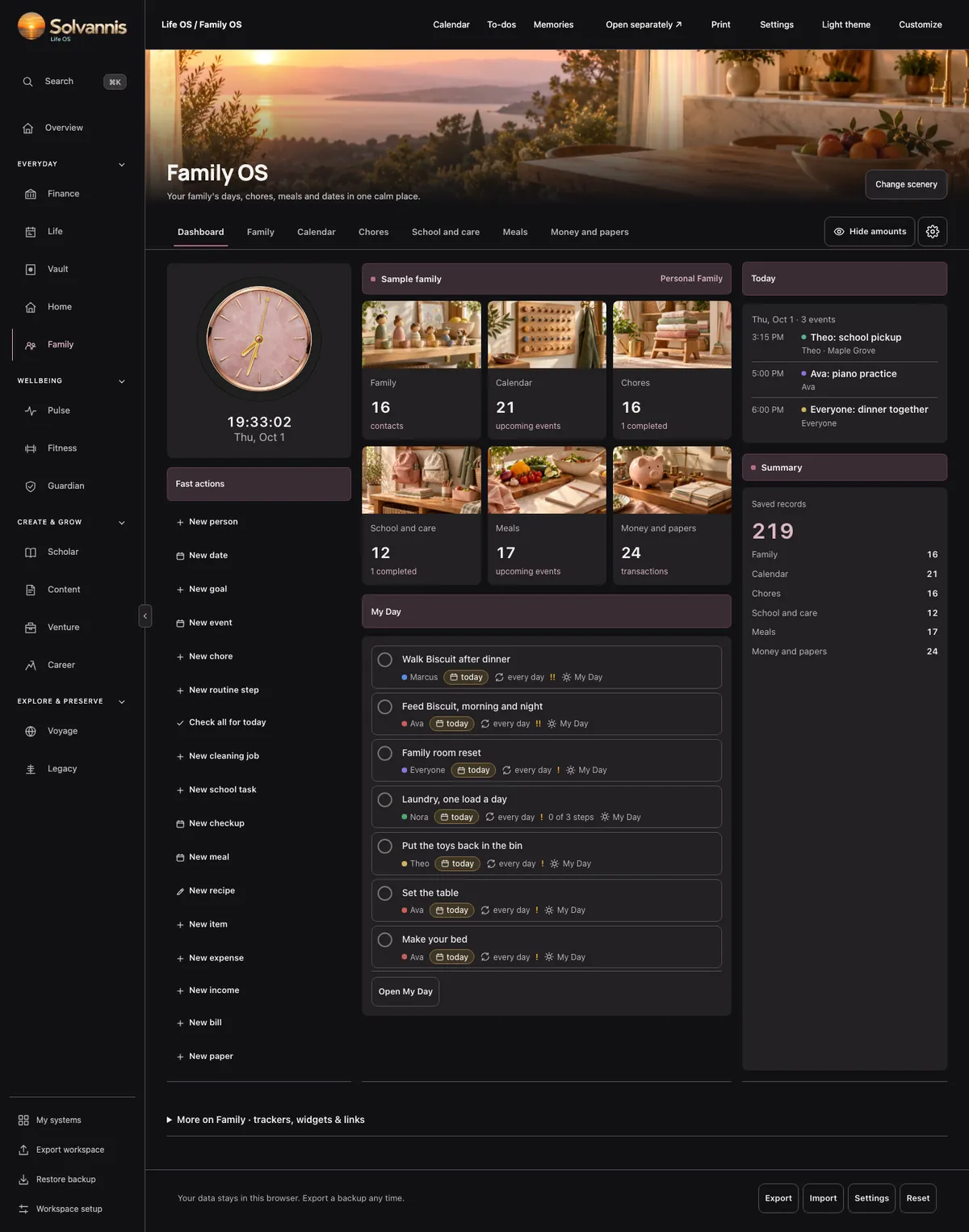
No blank pages. Every board comes set up with photos, a clock, quick buttons and your next seven days. Change any picture, color or layout when you like.
Pick a new photo for any board, or use your own.
Your entries live on your device, and nobody else can read them. Not even us.
Works on your phone, tablet and computer. Add it to your home screen like an app.
Save the moments worth keeping: photos, notes and dates, all in one place.
Export your whole workspace to a file. Restore it any time, on any device.
No internet? No problem. Everything you saved is still there.
Tap any card to flip it and see what is inside. Add the ones you want to your pack.
Launch pricing, 20% off
No monthly fee. Start with one board and add more any time.
$27 Regular price $34
Any standard board.
$37 Regular price $46
Finance or Voyage.
$67 Regular price $84
2 boards plus a bonus. Six themes.
$117 Regular price $146
8 boards plus a bonus.
$147 Regular price $184
Every board, Finance and Voyage included.
Picked to work together. Each one comes with a bonus board.
Tap boards to add them, one at a time.
Buy the boards you need today. When you add more, you get a new copy of your planner with the new boards open. Swap it in, and everything you saved is still there.
This is the actual planner, filled with made-up sample data. Open any board, spin the globe and change the scenery. Nothing you do here is saved anywhere but this browser.
It's a big file (about 35 MB). It may take a few seconds on a phone.
It is one file that opens in your web browser, like Safari or Chrome. Nothing to install. On a phone you can add it to your home screen, and it opens like an app.
On your own device, inside your browser. There is no account and no cloud. We never see what you type.
Click "Export workspace" to save a backup file. On the new computer, open your planner and click "Restore backup".
Yes. Buy more boards any time. You get a new copy of your planner with the new boards open. Replace your old file with it. Your saved entries stay.
No. You pay once for the boards you choose.
You have 14 days to ask for your money back. No questions asked. Email support@solvannis.io from the address you used to buy. One refund per customer.
Yes. Change the photos, colors, light or dark theme, and the order of your boards. Use your own photos if you like.
Yes. Once it's open, it works offline. The 3D globe in Voyage uses the internet for map pictures; a simpler globe takes over when you're offline.
Checkout opens soon. Leave your email and we'll tell you the day it does.